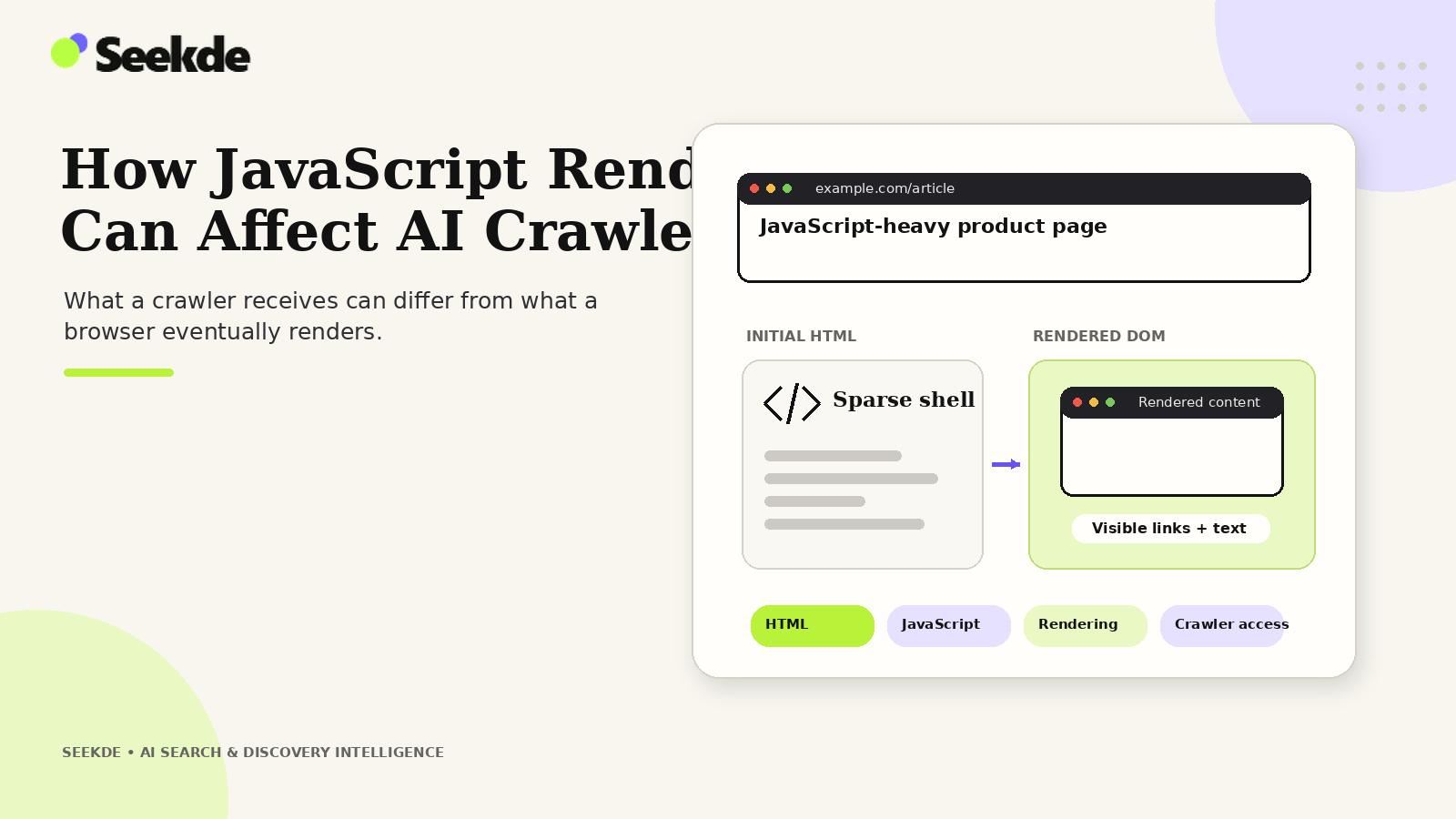
If essential page content, structured data, or navigation links exist only after complex client-side JavaScript executes, many AI crawlers and real-time retrieval systems will fail to extract them. When automated agents ingest web pages to build search indexes or synthesize answers, they operate under strict latency, compute, and architectural constraints that differ significantly from a desktop browser.
A critical engineering discipline when evaluating JavaScript rendering is to avoid sweeping generalizations. Claiming that "AI crawlers cannot run JavaScript" is factually inaccurate, just as assuming that "all AI bots render pages identically to Googlebot" is dangerous. Search engines, training scrapers, and retrieval agents maintain radically different rendering capabilities. Understanding how specific platforms process JavaScript enables technical teams to design resilient rendering architectures that guarantee content discoverability across both traditional and generative search systems.
Platform-by-Platform Analysis: Rendering Capabilities
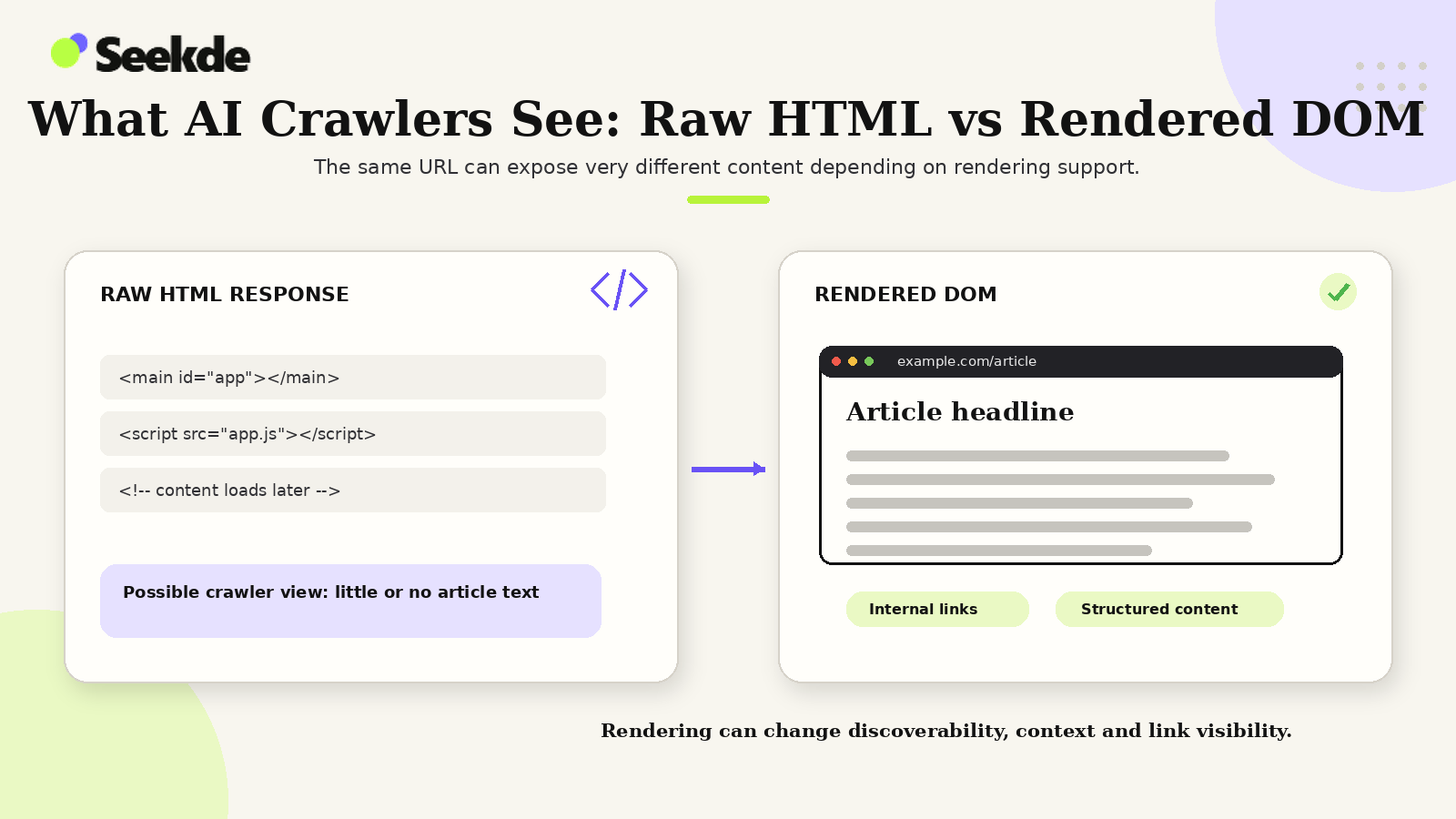
Web crawlers process code through two fundamentally different ingestion pipelines: raw HTTP parsing and headless browser rendering. Evaluating each major crawler platform against its documented technical behavior reveals where rendering bottlenecks occur:
Full DOM
Execution
Selective /
Partial
Raw HTTP /
Zero JS
Headless Chromium WRS
FULL DOM EXECUTION
Googlebot
- Crawl → Render → Index
- Rendering can be deferred after the initial crawl.
Selective / Partial
TIMEOUT & BUDGET CAPPED
Bingbot
OAI-SearchBot
- Headless rendering with strict timeout ceilings and resource quotas.
- Latency-sensitive search; favors server-rendered HTML.
Raw HTTP Parser
ZERO JS EXECUTION
GPTBot
ClaudeBot
- High-throughput scrapers parse static HTML string bodies.
- Scrapes raw text; bypasses JS bundles.
1. Googlebot (Google Search, AI Overviews, AI Mode)
As documented in Google Search Central’s JavaScript SEO Basics, Google operates the web’s most established rendering infrastructure, the Web Rendering Service (WRS), powered by an evergreen headless Chromium browser. Googlebot can execute JavaScript, parse the hydrated Document Object Model (DOM), and evaluate client-side structured data.
However, Google explicitly warns that not all web crawlers run JavaScript. Google documents its processing of client-side web applications in three distinct phases: crawling, rendering, and indexing:
- The Rendering Queue: Googlebot first crawls and processes the initial raw server HTML response. If the page requires client-side JavaScript execution to render its full body copy or structured data, the URL is placed into a rendering queue until compute resources become available. Google’s Web Rendering Service (WRS) uses Chromium to execute scripts, parse the rendered DOM, and pass the generated content back to indexing. Depending on Google’s global compute allocation, this queue delay can introduce latency between initial crawling and final indexing.
- Resource Caps and Timeouts: Googlebot terminates JavaScript execution if scripts take longer than roughly 5 to 8 seconds to complete or exceed memory limits, as detailed in Google’s Guide to Fixing Search-Related JavaScript Issues. If client-side API requests stall or third-party tracking scripts block the main thread, Googlebot aborts rendering and indexes an incomplete page.
2. Bingbot (Microsoft Bing and Copilot)
Bingbot uses a headless Chromium rendering pipeline similar to Google’s, as documented in the Microsoft Bing Webmaster Guidelines. It can execute modern JavaScript frameworks and index dynamically rendered content. However, Microsoft enforces strict resource quotas per domain. If a website requires massive JavaScript bundles and dozens of asynchronous API calls, Bingbot may conserve compute by falling back to raw HTML parsing for subsequent pages.
3. OAI-SearchBot (ChatGPT Search)
OpenAI’s official publisher documentation—including the OpenAI Publisher FAQ and OpenAI Bot Documentation—specifies that OAI-SearchBot crawls public web pages to populate the ChatGPT Search index. However, whether OAI-SearchBot executes client-side JavaScript is publicly undocumented by OpenAI.
OpenAI’s published materials specify user-agent strings, request headers, IP ranges, and robots.txt behavior, but do not document a headless browser rendering pipeline or rendering queue comparable to Google’s WRS. Because ChatGPT Search operates under aggressive latency requirements for real-time answer synthesis, relying on client-side JavaScript execution is high-risk. If essential content is absent from the initial server-rendered HTML, publishers risk having their pages indexed as empty shells.
4. PerplexityBot (Perplexity AI)
Perplexity AI combines web crawling with live retrieval to synthesize direct answers. In its official technical documentation, Perplexity documents how PerplexityBot discovers and indexes content. Client-side JavaScript rendering by PerplexityBot is officially undocumented. To meet sub-second query synthesis deadlines, Perplexity’s retrieval pipeline prioritizes raw server-rendered HTML. If an article hides its primary facts behind a client-side JavaScript framework that requires multiple API round-trips, retrieval fetchers frequently encounter timeouts and exclude the document from candidate citation pools.
5. Anthropic and Model Training Scrapers (ClaudeBot, Claude-SearchBot, Claude-User, GPTBot)
Anthropic documents three distinct automated agents: ClaudeBot (web crawling for model development and training datasets), Claude-SearchBot (crawling and indexing to improve web-search result quality), and Claude-User (user-initiated on-demand retrieval). Whether ClaudeBot, Claude-SearchBot, or Claude-User executes client-side JavaScript is publicly undocumented in Anthropic’s official web crawler documentation.
Similarly, foundation model training crawlers like OpenAI’s GPTBot (documented by OpenAI) operate at massive global scale to collect public text. Because client-side script execution by these crawlers is publicly undocumented, technical SEO teams should not assume any client-side JavaScript rendering occurs. Relying on client-side frameworks without server-side rendering introduces a severe risk that pages will be ingested as empty containers or skipped entirely during crawler extraction passes.
Comparison of Web Rendering Architectures
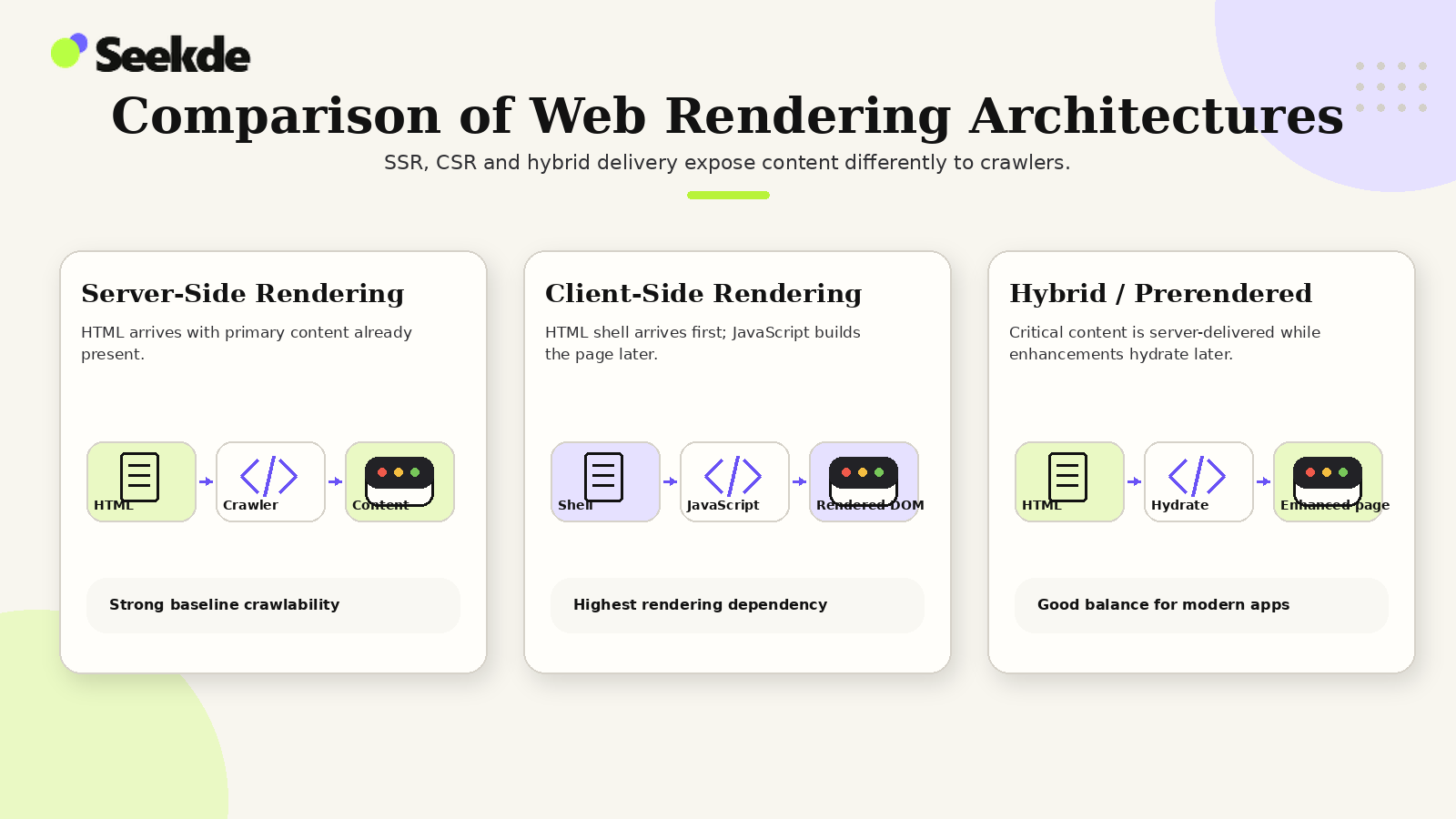
How a website generates HTML determines how reliably it can be indexed across diverse AI search engines:
| Architecture | Rendering Location | Raw HTML Response Content | AI Search Reliability | Primary Strengths & Trade-offs |
|---|---|---|---|---|
| Static Site Generation (SSG) | Build Time (Ahead of Time) | 100% Complete (Full body, headings, metadata, schema) | Optimal (100%) | Fastest possible TTFB; accessible to all raw HTTP scrapers and search bots; requires rebuilds for updates |
| Server-Side Rendering (SSR) | Edge / Web Server (On Request) | 100% Complete (Dynamically generated HTML) | Optimal (98%) | Dynamic personalization; complete HTML delivery on first byte; requires scalable server infrastructure |
| Incremental Static (ISR) | Edge Cache / Server Background | 100% Complete (Cached HTML with background stale-while-revalidate) | Optimal (99%) | Combines SSG speed with dynamic freshness; ideal for high-volume publishing |
| Hydrated SPA (Next.js / Nuxt) | Server (Initial) + Client (Hydration) | Complete if configured for SSR; Empty if CSR-only | High (90–95%) | Fast client-side navigation; high crawler safety provided initial HTML contains full text payload |
| Pure Client-Side (CSR / SPA) | User Browser (Client Runtime) | Empty Shell (<div id="root"></div>) |
Critical Failure Risk (15–30%) | Lowest server costs; completely invisible to raw HTTP scrapers; high failure rate in AI retrieval |
Five Common JavaScript Failure Patterns in AI Retrieval
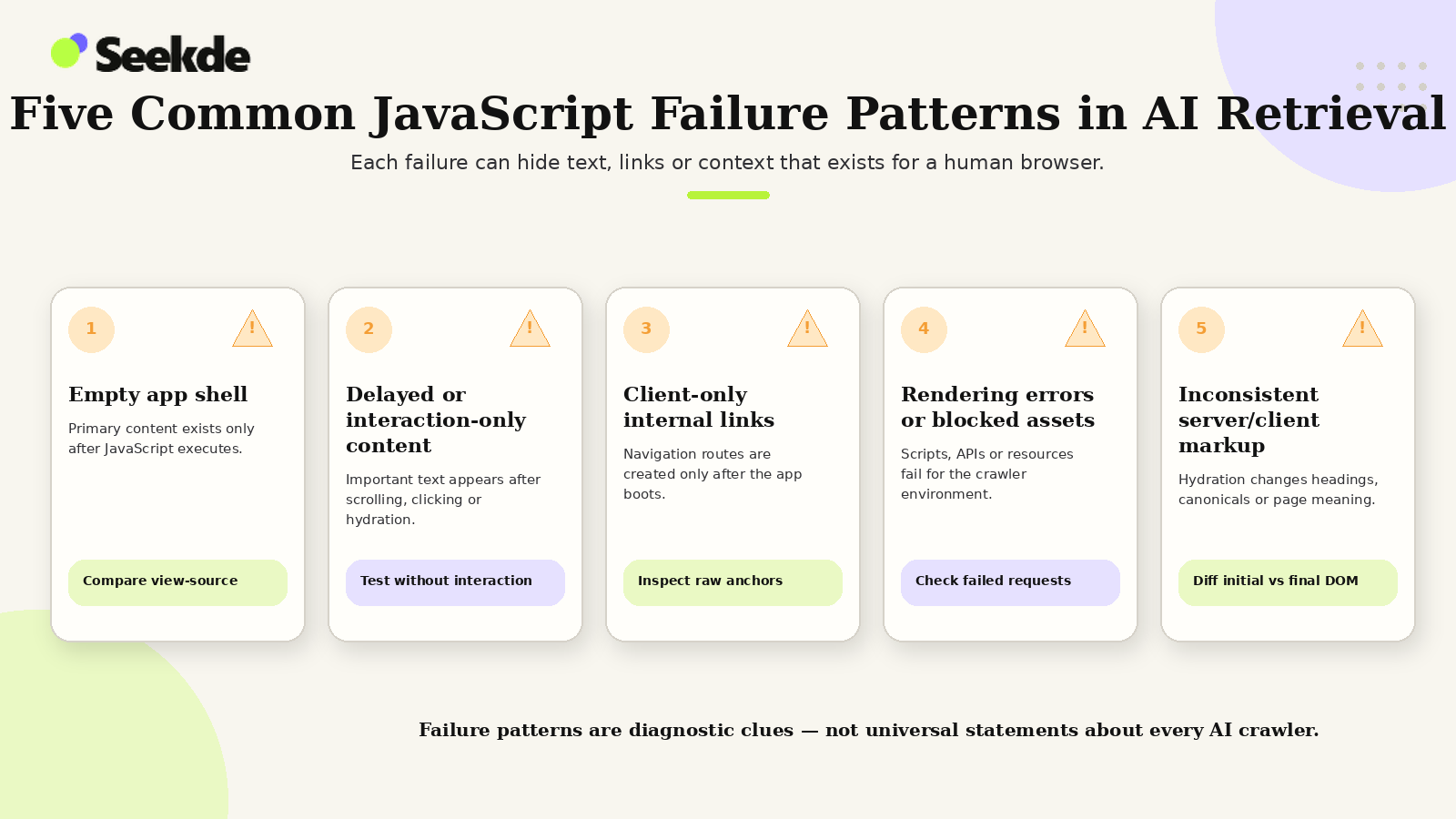
Technical audits frequently uncover architectural patterns where websites function flawlessly for human visitors in desktop browsers, but present empty or broken content to automated AI crawlers:
1. The Empty App Shell
- Server delivers an empty
- <div id="root"></div>; text
- requires bundle execution.
2. The Blocked API Endpoint
- HTML loads, but client JS
- fetches data from an inter
- API that blocks bot requests
3. The Gated Accordion
- Text exists only in JSON
- nal state, injected into DOM
- . only on user click events.
1. The Empty App Shell Pattern
In traditional Single-Page Applications (React, Vue, Angular, Svelte), the initial HTTP response sent by the web server contains virtually no readable text:
<!DOCTYPE html>

<html>

<head>

  <title>SaaS Pricing & Features</title>

  <script src="/static/js/bundle.8f72a.js" defer></script>

</head>

<body>

  <!-- CRAWLER FAILURE: Raw HTTP parsers see an empty page -->

  <div id="root"></div>

</body>

</html>
When a crawler without a documented client-side JavaScript rendering engine (such as training scrapers like GPTBot or ClaudeBot) or a latency-constrained search bot fetches this page, it encounters an empty container. The crawler concludes the page contains zero substantive content, assigning it near-zero factual weight.
2. The Blocked Internal API Endpoint
A subtle failure occurs in hybrid applications where the initial page shell loads successfully, but the client-side script fetches content from an internal REST or GraphQL endpoint (e.g., /api/v2/articles/33).
While the website administrator allows OAI-SearchBot or Googlebot to access HTML pages, the site’s Web Application Firewall (WAF) or security middleware classifies automated requests to /api/* as unauthorized bot scraping, returning an HTTP 403 Forbidden. The browser bundle crashes silently, and the crawler indexes an empty template.
3. Content Gated Behind User Interaction
Some modern web applications defer loading content until an end-user interacts with the page (e.g., clicking an FAQ accordion, toggling pricing tiers, or scrolling past a fold). If the text is not present in the DOM until an onClick or onScroll event fires, automated search crawlers will never encounter it.
To ensure discoverability, all critical informational text must exist in the server-rendered DOM, even if CSS hides it visually prior to interaction.
4. Synthetic Navigation Links
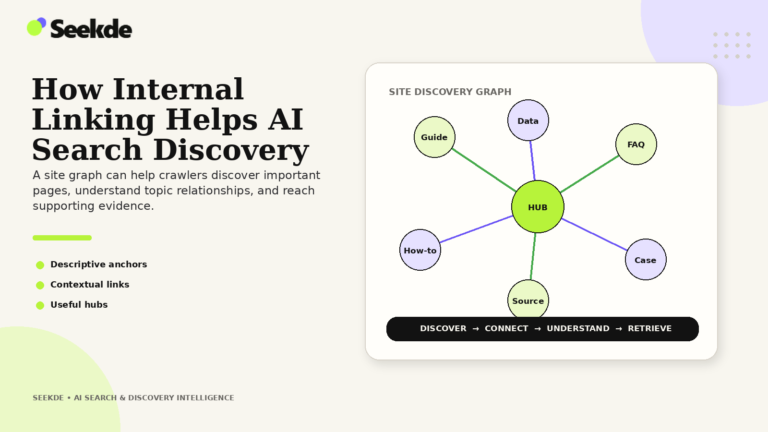
As examined in our guide on How Internal Linking Helps AI Search Discovery, crawlers navigate the web by extracting URLs from <a href="..."> anchor tags.
When developers implement navigation using client-side routing libraries without real anchor tags:
<!-- BROKEN: AI search crawlers cannot follow this element -->

<div class="nav-button" onclick="navigateTo('/ai-crawlers-explained/')">

  Read Technical Guide

</div>


<!-- VALID: Fully discoverable and crawlable -->

<a class="nav-button" href="/ai-crawlers-explained/">

  Read Technical Guide

</a>
Crawlers do not execute arbitrary synthetic click handlers. Pages linked exclusively via synthetic handlers become orphaned and undiscoverable.
5. Hydration Drops and DOM Mismatches
When an application uses server-side rendering combined with client-side hydration (such as React or Vue SSR), a mismatch between server-generated HTML and client-rendered state can cause the framework to discard the server HTML and re-render an empty client tree. If this error occurs while a search bot is inspecting the page, the bot may capture the broken state.
The Principle of Progressive Enhancement for AI Search
To eliminate rendering risks without sacrificing modern interactive user experiences, engineering teams should follow the principle of progressive enhancement for critical information.
1. Server-Rendered Baseline
- Page title & H1-H3 hierarchy
- Core article prose & facts
- Data comparison tables
- Authorship & publication date
- Canonical <a href> links
- Schema.org JSON-LD scripts
2. Interactive Enhancement
- Billing toggle animations
- Dynamic currency converters
- Interactive query explorers
- s • Filter dropdown menus
- Client-side analytics
- Personalization widgets
What Must Be Delivered in Server-Rendered HTML:
- Primary Descriptive Prose: All body text, definitions, technical steps, and analysis.
- Entity Headings: Structured H1, H2, and H3 elements matching logical content hierarchy.
- Data and Fact Tables: Comparison tables, benchmark statistics, and feature lists.
- Editorial Metadata: Visible author names, publication dates, and last modified timestamps.
- Navigational Pathways: Canonical internal links linking back to parent pillars and sibling guides.
- Structured Data: Complete Schema.org JSON-LD scripts embedded directly in the
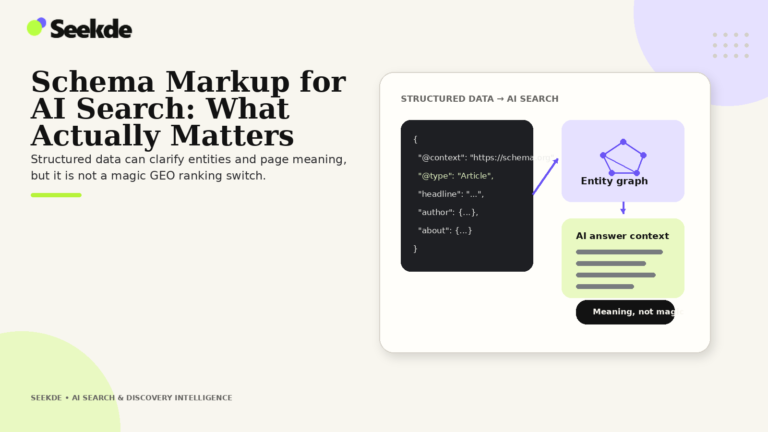
<head>or initial HTML payload. Review Schema Markup for AI Search for implementation templates.
Client-side JavaScript should be reserved for interactive enhancements: animating UI transitions, handling form submissions, toggling interactive data calculators, and managing logged-in user sessions.
Diagnostic Protocol: How to Test JavaScript Accessibility
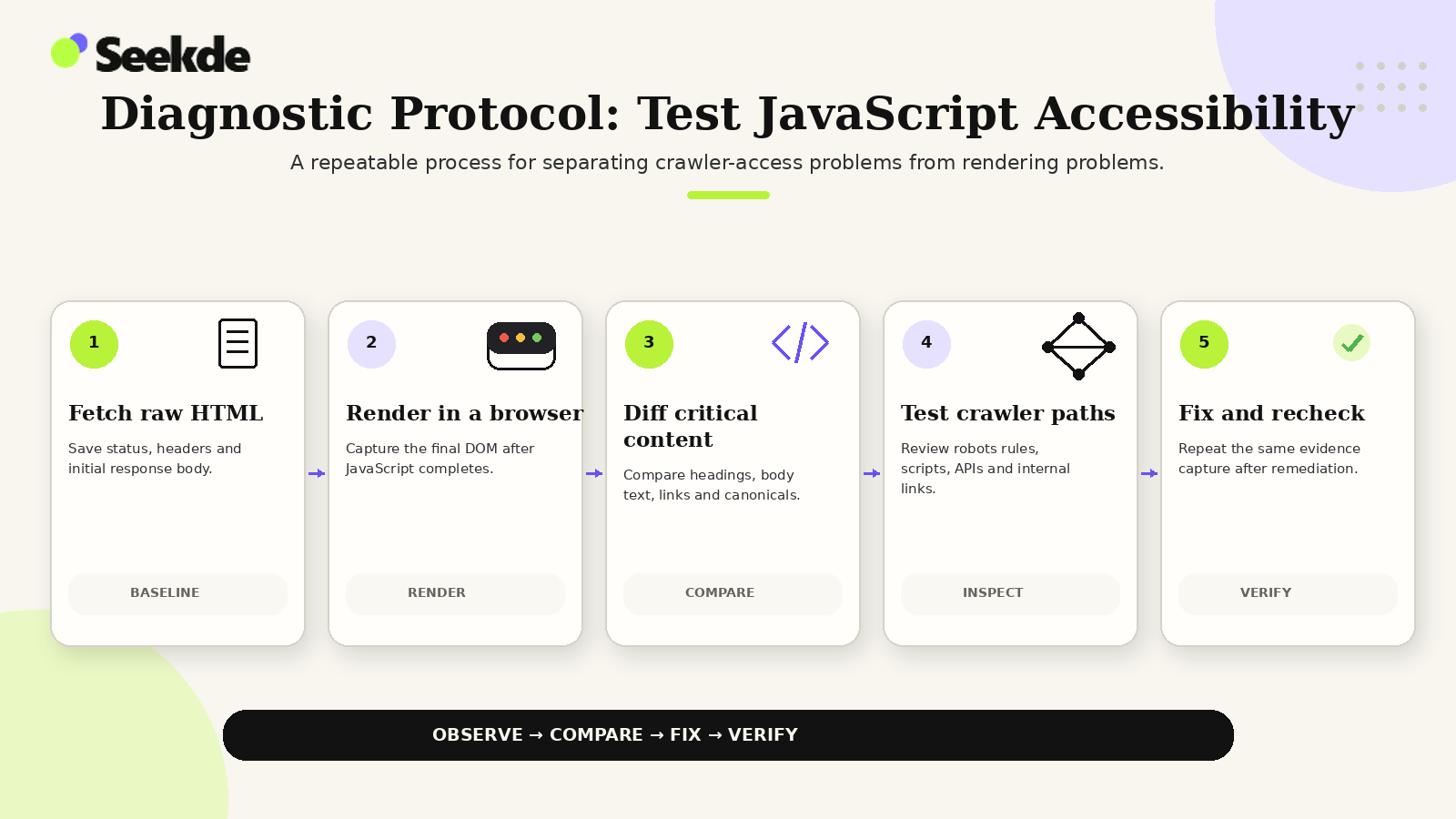
Engineering teams can evaluate whether their pages are accessible to AI crawlers using standard terminal and browser tools:
Step 1: Inspect the Raw HTML Payload via cURL
Use curl to fetch the exact raw HTML payload that a non-rendering bot receives:
# Fetch raw server response and search for target text

curl -sL "https://seekde.io/ai-crawlers-explained/" | grep -i "OAI-SearchBot"
If the command returns matches containing your actual headings and paragraph copy, your server is successfully delivering server-rendered text. If it returns only empty <div> containers or bundle script tags, your content is trapped behind client-side execution.
Step 2: Disable JavaScript in Chrome DevTools
- Open Google Chrome and navigate to the target webpage.
- Open Developer Tools (
F12orCtrl+Shift+I). - Press
Ctrl+Shift+P(orCmd+Shift+Pon macOS) to open the Command Menu. - Type
Disable JavaScriptand press Enter. - Reload the webpage (
Ctrl+R).
Inspect the page:
- Is the headline and main body text visible?
- Are comparison tables fully legible?
- Are internal navigation links clickable?
- Does structured data exist in the page source?
If the page goes blank or displays a "Please enable JavaScript" message, the document is at severe risk in generative AI search retrieval.
Step 3: Compare Raw vs. Rendered Text Ratios (Python Script)
This script compares the word count of the raw HTML response against the rendered DOM to detect significant content gaps:
import urllib.request

import re


url = "https://example.com/guide/"


# Fetch raw HTML string

req = urllib.request.Request(url, headers={'User-Agent': 'Mozilla/5.0 (compatible; OAI-SearchBot/1.0)'})

html = urllib.request.urlopen(req).read().decode('utf-8')


# Strip HTML tags to measure raw text volume

raw_text = re.sub(r'<[^>]+>', ' ', html)

raw_words = len(raw_text.split())


print(f"URL: {url}")

print(f"Raw HTML Word Count: {raw_words}")


if raw_words < 200:

    print("[WARNING] Critical rendering risk: Raw HTML contains fewer than 200 words!")

else:

    print("[SUCCESS] Raw HTML contains substantial indexable copy.")
Step 4: Validate via Google Search Console URL Inspection
Submit the URL to the URL Inspection Tool in Google Search Console and click Test Live URL. Inspect the View Tested Page > Screenshot and HTML tabs. Confirm that Googlebot successfully rendered the page without resource errors or missing DOM elements.
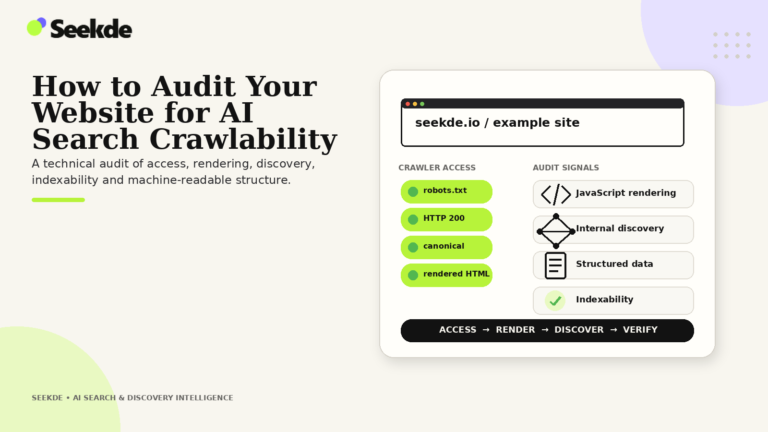
For a complete end-to-end technical audit across edge firewalls, robots rules, and status codes, follow our complete playbook on How to Audit Your Website for AI Search Crawlability.
Summary: Key Takeaways for Technical Architects
- Avoid Universal Generalizations: Googlebot renders JavaScript with queuing delays; high-speed AI search bots and training scrapers prioritize or require raw HTML.
- Server-Side Rendering is Essential: Deliver all core text, headings, data tables, and metadata in the initial server-rendered HTML payload.
- Guard Against WAF API Blocks: Ensure that internal API endpoints powering client-side hydration do not return HTTP 403 Forbidden to search crawler User-Agents.
- Use Standard HTML Anchors: Never implement internal navigation using synthetic JavaScript
onClickhandlers. - Audit with JavaScript Disabled: Regularly test pages with client-side JavaScript turned off in DevTools to confirm that critical content remains accessible.
- Progressive Enhancement: Enhance user interactivity with JavaScript, but keep semantic information grounded in durable HTML.
Related technical guides
- AI Crawlers Explained: Googlebot, OAI-SearchBot, GPTBot and More
- OAI-SearchBot vs GPTBot: What’s the Difference?
- How to Configure Robots.txt for AI Search Crawlers
- Schema Markup for AI Search: What Actually Matters
- How Internal Linking Helps AI Search Discovery
- How to Audit Your Website for AI Search Crawlability
- How AI Search Engines Find and Cite Content